


Adding a Font to the Resource
Our sample projects and report templates can help you learn the basics of working with our products.Register the required resource in JavaScript so the dashboard renders consistently in every environment.
Registering the resource. Load or register the external resource before rendering so the finished dashboard remains portable across environments.
In the screenshot below you can see the result of the sample code:
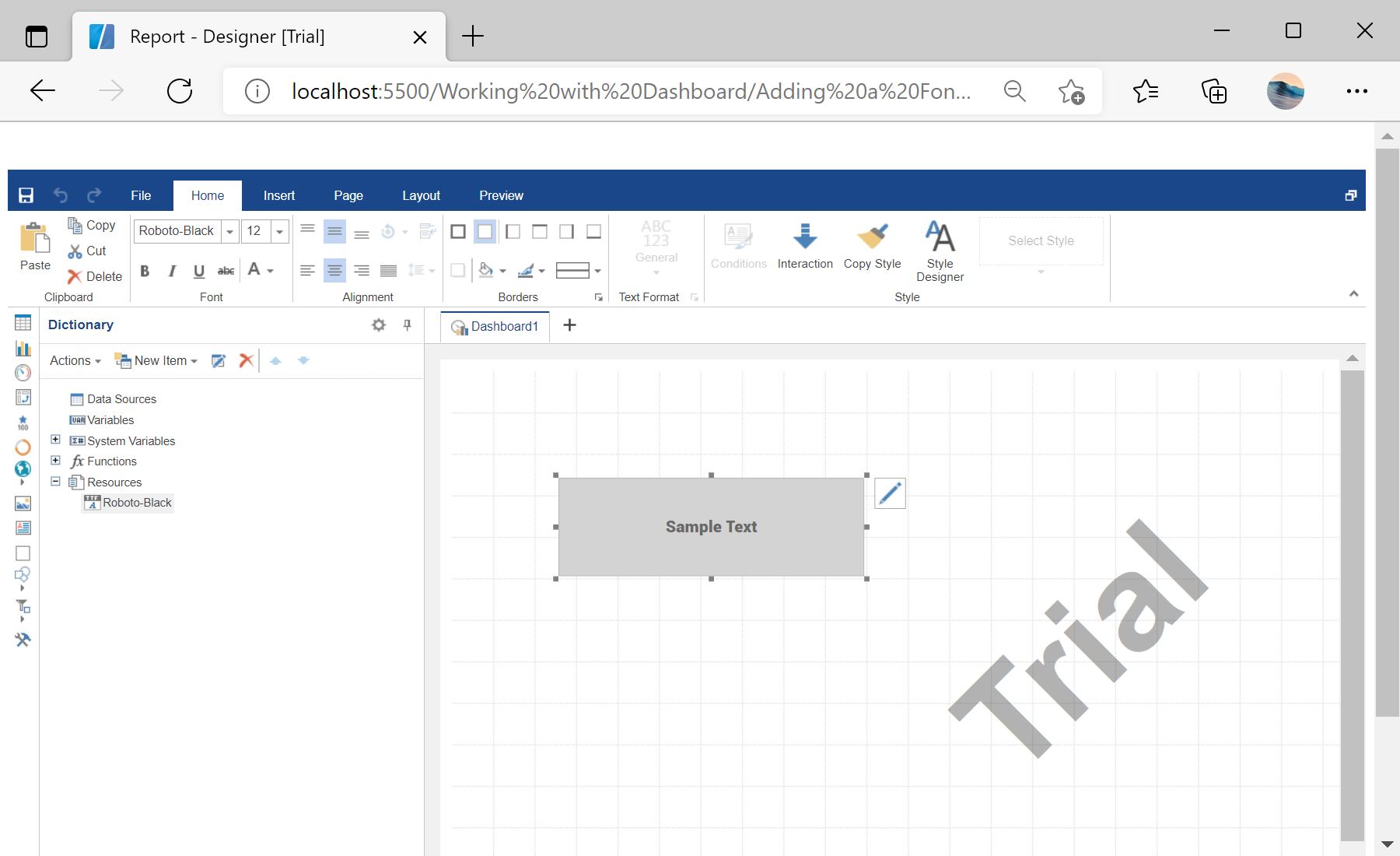
Registering the resource. Load or register the external resource before rendering so the finished dashboard remains portable across environments.
var report = Stimulsoft.Report.StiReport.createNewDashboard();

var fontFileContent = Stimulsoft.System.IO.File.getFile("../dashboard/Roboto-Black.ttf", true);
var resource = new Stimulsoft.Report.Dictionary.StiResource(
    "Roboto-Black", "Roboto-Black", false,
    Stimulsoft.Report.Dictionary.StiResourceType.FontTtf, fontFileContent);
report.dictionary.resources.add(resource);

var textElement = new Stimulsoft.Dashboard.Components.Text.StiTextElement();
report.pages.getByIndex(0).components.add(textElement);StiResource of type FontTtf. Because it travels inside the dashboard, exports are pixel-perfect even where the font is not installed.In the screenshot below you can see the result of the sample code: