


Localizing the User Interface
Our sample projects and report templates can help you learn the basics of working with our products.This sample project demonstrates how to localize the user interface. First of all, use
Then, use
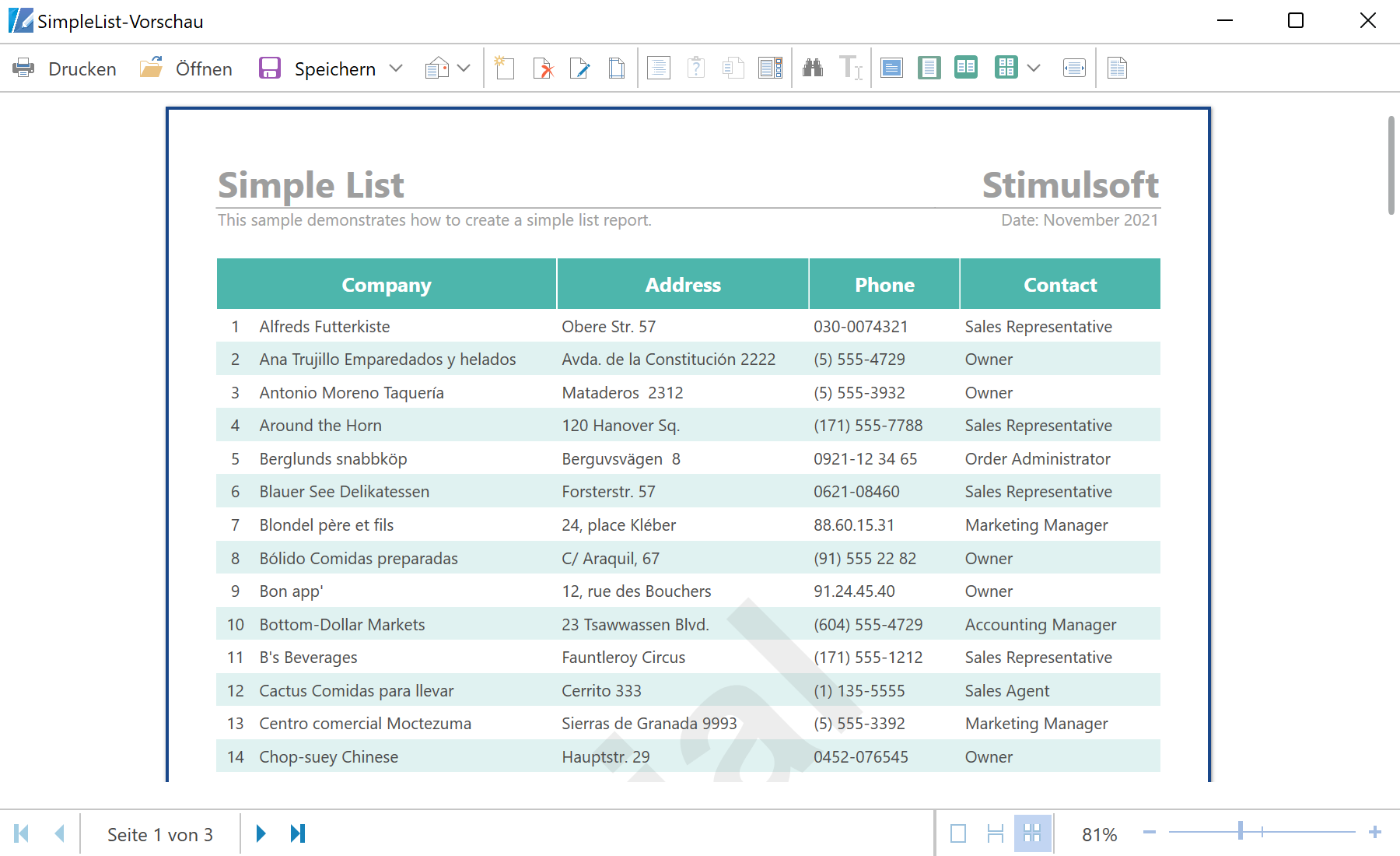
In the screenshot below you can see the result of the sample code:
StiOptions.Localization.Load() method to load localization file:
private void LoadLocalization()
{
	var fileName = (string)((Label)ComboBoxLocalizations.SelectedItem).Content;
	StiOptions.Localization.Load(fileName);
}

...
Then, use
LoadLocalization() method to localize the user interface:
...

private void ButtonShow_Click(object sender, RoutedEventArgs e)
{
	LoadLocalization();

	var report = new StiReport();
	report.Load(@"Reports\SimpleList.mrt");
	report.ShowWithWpf();
}

private void ButtonDesign_Click(object sender, RoutedEventArgs e)
{
	LoadLocalization();

	var report = new StiReport();
	report.Load(@"Reports\SimpleList.mrt");
	report.DesignV2WithWpf();
}
In the screenshot below you can see the result of the sample code: