


Adding a Custom Component to the Designer
Our sample projects and report templates can help you learn the basics of working with our products.You can extend the designer with your own report components that users can drop onto a report like any built-in element.
Registering custom components. Add your component services to
In the screenshot below you can see the result of the sample code:
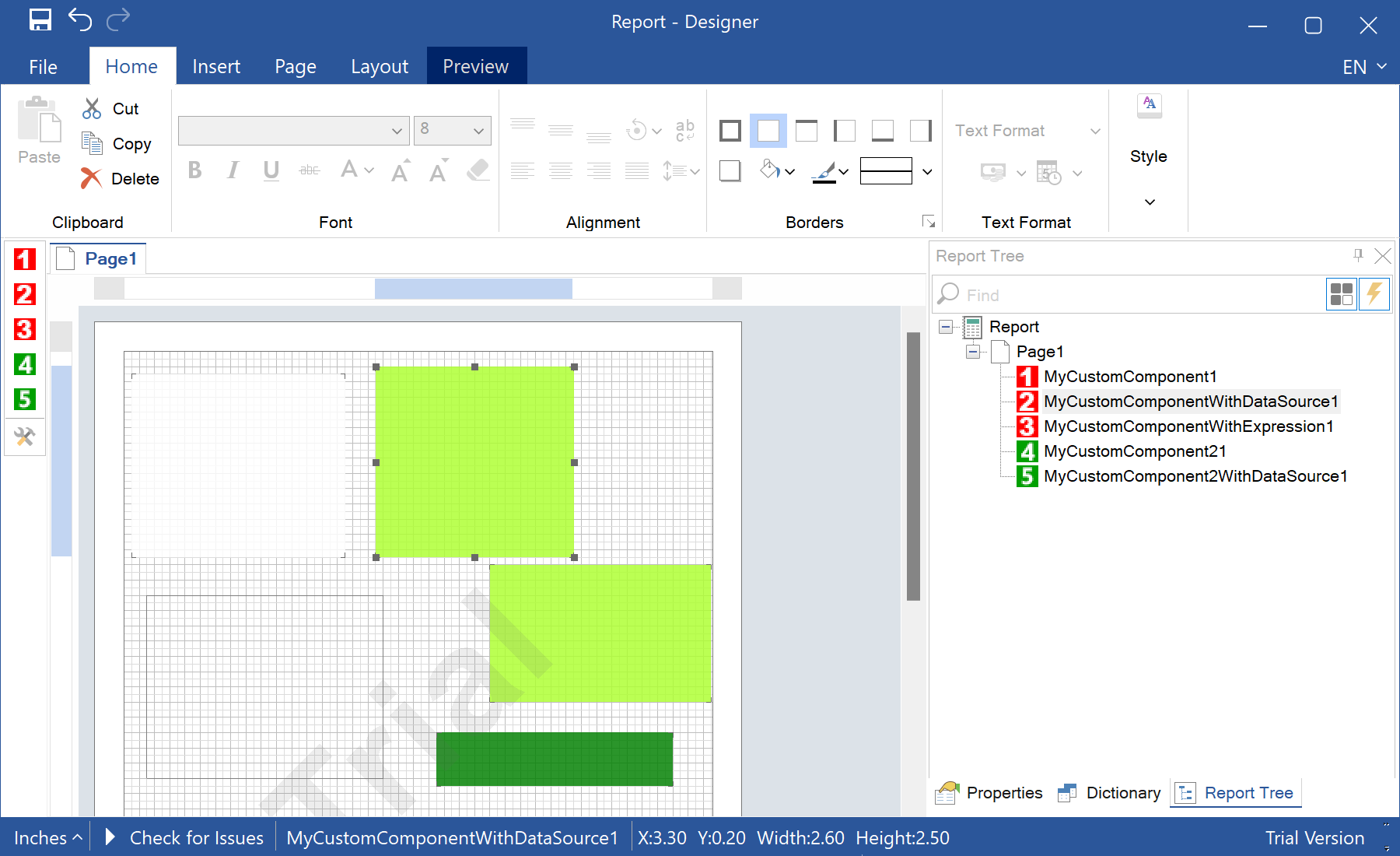
Registering custom components. Add your component services to
StiConfig.Services and save the configuration, so the designer shows them on its toolbox:StiConfig.Load();
StiConfig.Services.Add(new MyCustomComponent());
StiConfig.Services.Add(new MyCustomComponentWithDataSource());
StiConfig.Services.Add(new MyCustomComponentWithExpression());
StiConfig.Services.Add(new MyCustomComponent2());
StiConfig.Save();
var report = new StiReport();
report.Design();In the screenshot below you can see the result of the sample code: