

Cloud
Cloud-Dienstleistung für schnelle und effektive Analyse und Visualisierung von Daten für Ihr Business ohne eigene Applikationen zu erstellen oder zu programmieren.
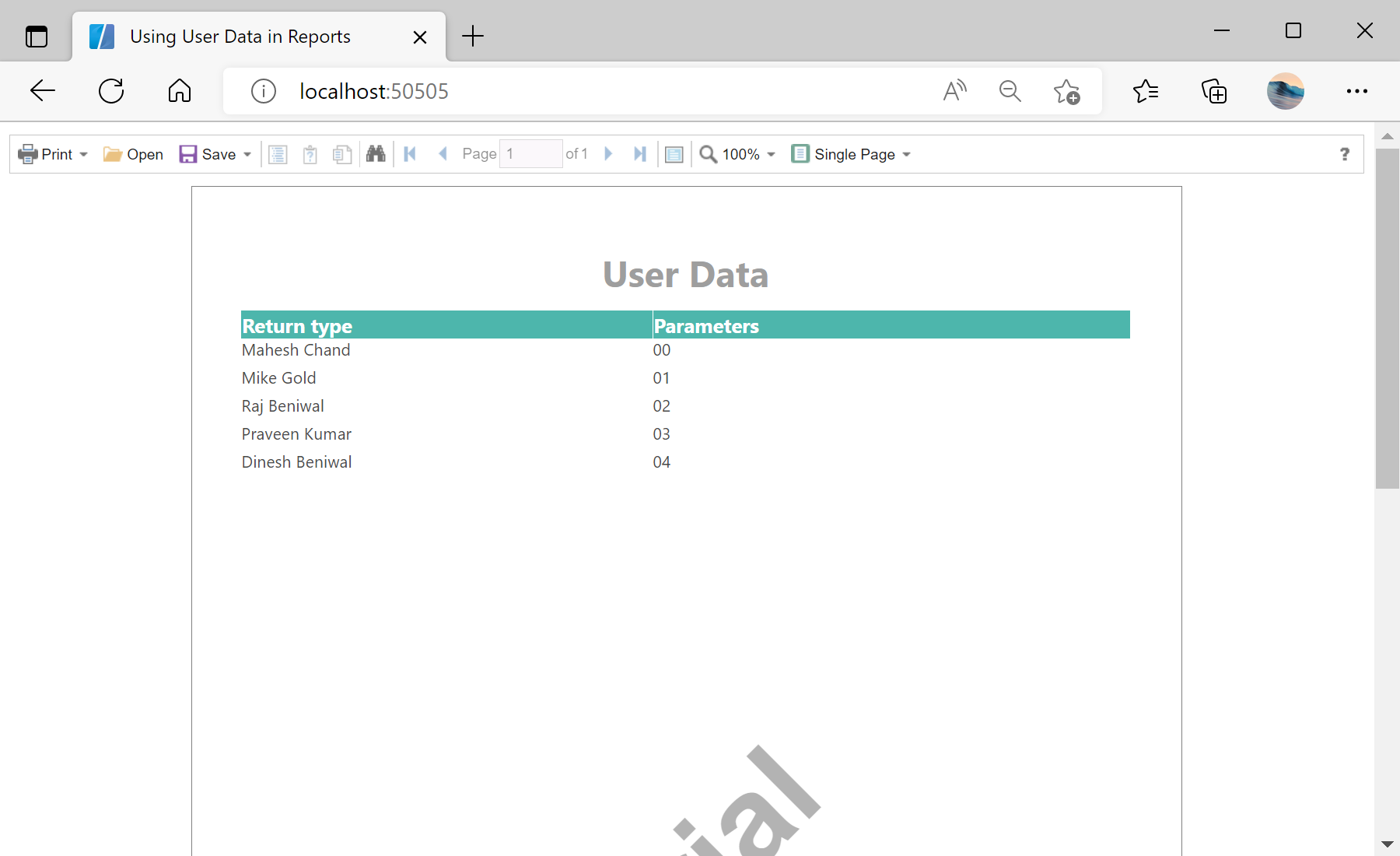
StiUserData component supplies rows on demand through an event — useful when data has no ready-made source.var userData = new StiUserData();
userData.Columns.AddRange(new[] {
new StiDataColumn("Name", "Name", "Name", typeof(string), null),
new StiDataColumn("Value", "Value", "Value", typeof(string), null) });
userData.Count = 5;
userData.GetData += stiUserData1_GetData;
Report.RegData("UserData", userData);StiUserData.Count — the number of rows the engine will request.GetData event — fired per column and row; assign e.Data from e.ColumnName / e.Position.