

Cloud
Cloud-Dienstleistung für schnelle und effektive Analyse und Visualisierung von Daten für Ihr Business ohne eigene Applikationen zu erstellen oder zu programmieren.
<?php
require_once '../vendor/autoload.php';

use Stimulsoft\Events\StiDataEventArgs;
use Stimulsoft\StiHandler;
?>$handler = new StiHandler();
// $handler = new StiHandler('handler.php');$handler->onBeginProcessData = function (StiDataEventArgs $args) {
// Server-side processing logic can be added here
};$handler->process();<script src="/../vendor/stimulsoft/reports-php/scripts/stimulsoft.reports.js"></script>
<script src="/../vendor/stimulsoft/reports-php/scripts/stimulsoft.viewer.js"></script>
<script src="/../vendor/stimulsoft/reports-php/scripts/stimulsoft.designer.js"></script>
<script src="/../vendor/stimulsoft/reports-php/scripts/stimulsoft.blockly.editor.js"></script>
<script src="/../vendor/stimulsoft/dashboards-php/scripts/stimulsoft.dashboards.js"></script>
<?php
$handler->renderHtml();
?>let options = new Stimulsoft.Designer.StiDesignerOptions();
options.appearance.fullScreenMode = true;let designer = new Stimulsoft.Designer.StiDesigner(options, "StiDesigner", false);designer.onBeginProcessData = function (args, callback) {
Stimulsoft.handler.process(args, callback);
};let report = new Stimulsoft.Report.StiReport();
report.loadFile("../reports/Christmas.mrt");
designer.report = report;function onLoad() {
designer.renderHtml("designerContent");
}<body onload="onLoad();">
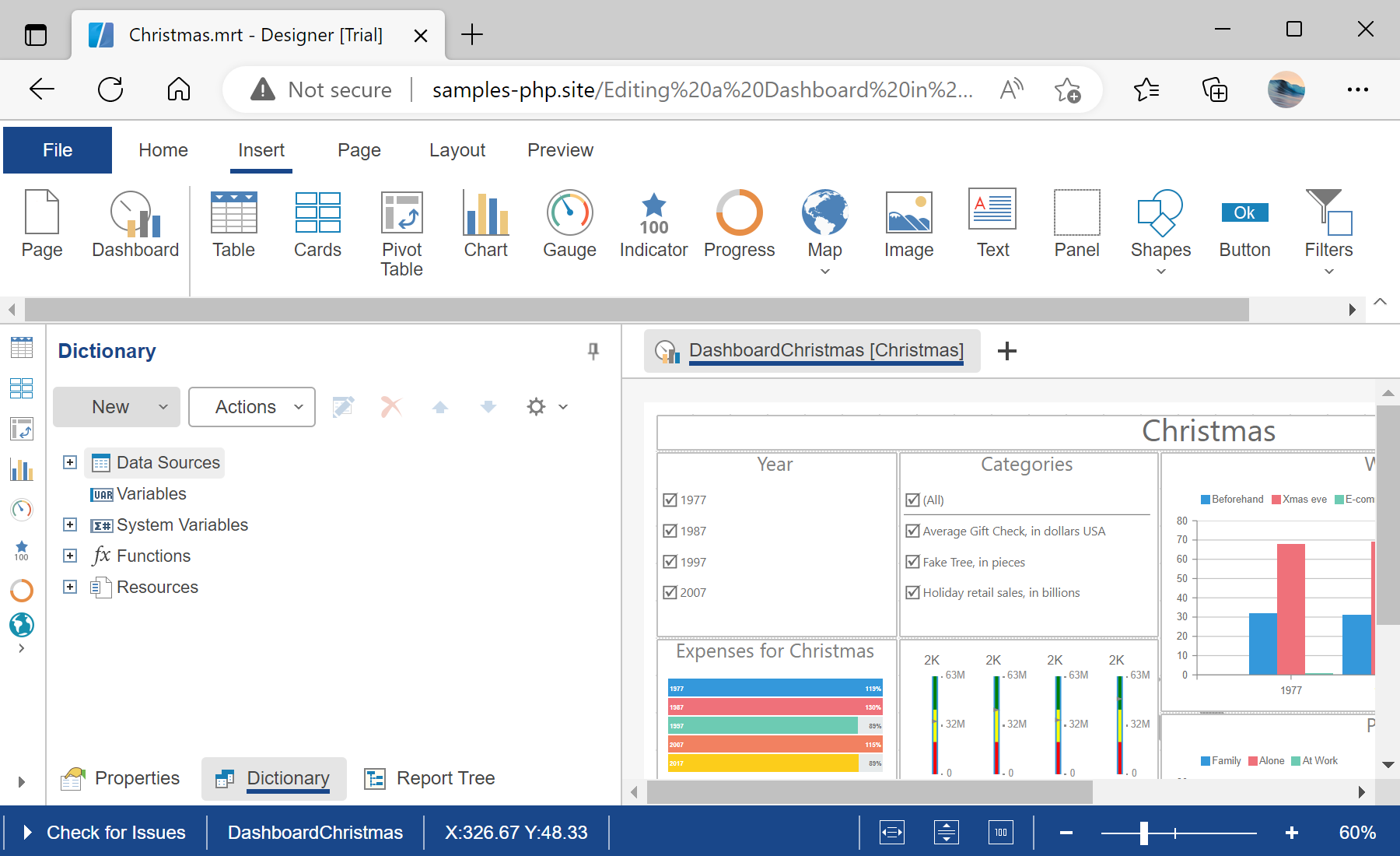
<h2>Editing a Dashboard Template in the Designer using JavaScript</h2>
<hr>
<div id="designerContent"></div>
</body>